April 22nd, 2026
Fixed
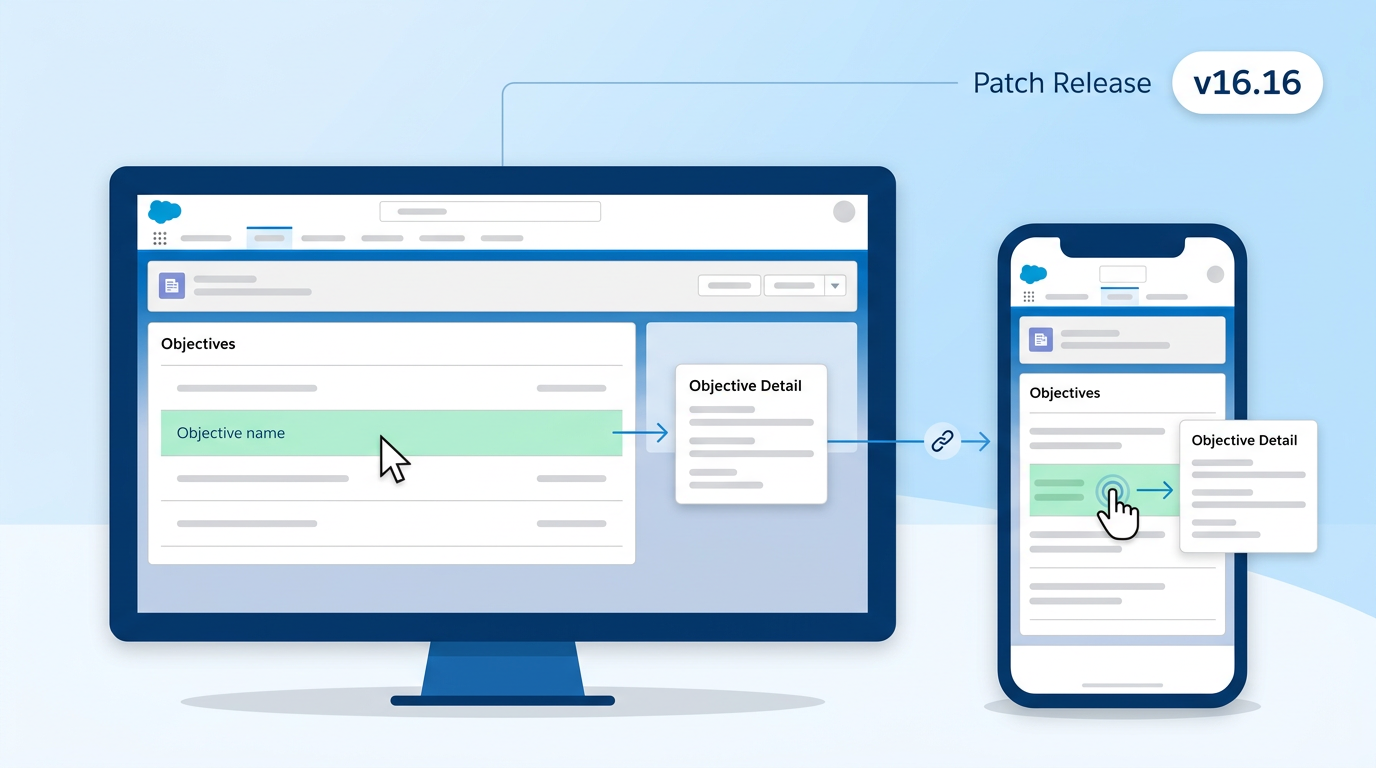
What's fixed
Clicking or tapping an Objective's name on the Account Plan now opens the Objective record on both desktop and Salesforce Mobile. Prior to this patch, the click / tap wouldn't register and users had to reach Objectives through global search or the Objective tab.
Action required
Install the 16.16 package in your org using the new install links below. No configuration or data migration is needed — this is a drop-in UI fix.
Crush
Production install link:
https://login.salesforce.com/packaging/installPackage.apexp?p0=04tal000006UX6L
Sandbox install link:
https://test.salesforce.com/packaging/installPackage.apexp?p0=04tal000006UX6L
Relationship Map
Production install link:
https://login.salesforce.com/packaging/installPackage.apexp?p0=04tKf000000syGy
Sandbox install link:
https://test.salesforce.com/packaging/installPackage.apexp?p0=04tKf000000syGy
Compatibility
16.16 is a patch on top of the spring release. If you have not yet installed the spring release, install 16.16 directly — it includes everything from spring.
Questions? Reach out to support@prolifiq.com.
April 19th, 2026
Fixed
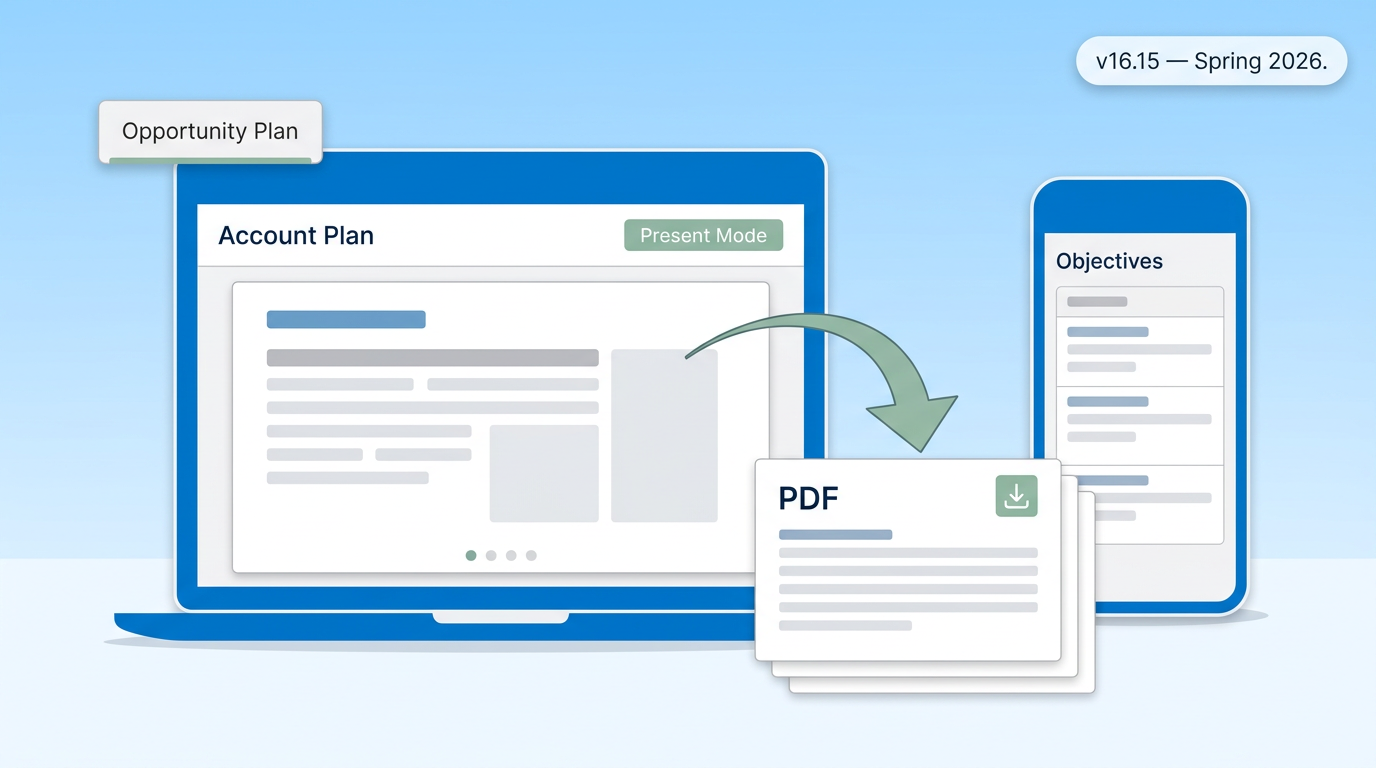
CRUSH Version 16.15 Use this URL to install the package into any organization: Production:- https://login.salesforce.com/packaging/installPackage.apexp?p0=04tal000006UUbV Sandbox:- https://test.salesforce.com/packaging/installPackage.apexp?p0=04tal000006UUbV RELATIONSHIP MAP Version 16.15 Use this URL to install the package into any organization: Production:- https://login.salesforce.com/packaging/installPackage.apexp?p0=04tKf000000sy9x Sandbox:-https://test.salesforce.com/packaging/installPackage.apexp?p0=04tKf000000sy9x Fixes:Standard User Opportunity Plan Tab: Added ability for Standard User to access Opportunity Plans in the CRUSH app, enhancing visibility and access to critical information.  Template Loading in Present Mode: Fixed issues where templates failed to load correctly, ensuring consistent functionality and a smoother user experience when starting presentations.
   PDF Download Button Responsiveness: Resolved unresponsive download buttons on PDF-generated pages, allowing users to save and download documents effortlessly.
  PDF Download Failure in Present Mode: Addressed failures during the PDF download process in Present Mode, ensuring users can successfully share or archive their presentation documents without any issues.
 Presentation Mode PDF Layout & Format: Improved PDF export to ensure documents are formatted optimally for live presentations, enhancing usability and professionalism in client-facing scenarios.
  Mobile Objective Table & Summary Components: Corrected display and interaction problems with Objective Table and Summary components on mobile devices, enabling field sales reps to access and update key account planning data seamlessly while on the go.
 Improvements:
This release focuses on addressing critical issues, enhancing functionalities, and improving overall system performance to provide a more seamless and productive user experience. Users can now work without interruptions, export polished documents, access key data on mobile devices, and rely on accurate org charts and documents for their daily tasks. Step-by-Step GuideWe have included a comprehensive step-by-step guide to assist System Administrators and users with the installation and upgrading process of the managed package. This guide ensures a smooth transition and helps users make the most out of the new features and improvements. Installation Process
Risk Assessment
By following the provided guidelines and best practices, users can ensure a seamless upgrade process and leverage the new features introduced in this release. For detailed instructions and further information, refer to the updated step-by-step guide. Remember, proper testing and validation in a Sandbox environment are key to a successful upgrade to the production org. Stay informed, stay updated, and make the most out of our enhanced managed package! |